How it Works
Lorem Ipsum has been the industry's standard dummy text ever since the 1500s, when an unknown printer took a galley of type and scrambled it to make a type specimen book.
1Step
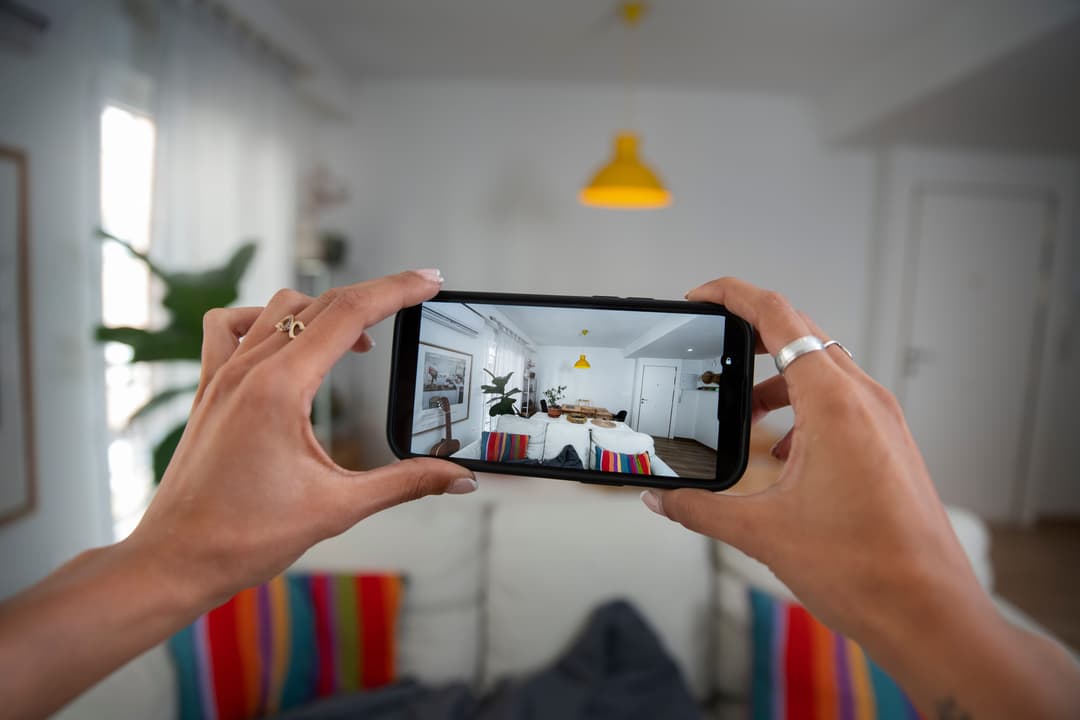
Record a 360° Video of Your Home
Capture your home in stunning 360° detail — perfect for virtual tours, renovations, or showcasing property with a truly immersive experience.
Why Record in 360°?
Immersive Experience: Explore every corner with a single video
Smart Documentation: Great for insurance, design, or renovation planning
Share Easily: Seamlessly share with friends, family, or clients

2Step
Upload to Our Platform
Once your 360° video is recorded, easily upload it to our platform for seamless viewing, sharing, and storage.
Simple & Secure
Quick Upload: Drag and drop your video in just a few clicks Secure
Storage: Your content is safely stored in the cloud
Optimised for All Devices: View your 360° tour on mobile, desktop, or VR

3Step
Powered by AI: Smart Video Processing
Once your 360° video is uploaded, our advanced AI engine gets to work — automatically enhancing and preparing it for the best possible viewing experience.
What Our AI Does:
Stabilizes Footage: Smooth and professional-looking video
Detects Key Areas: Identifies rooms, furniture, and layout intelligently
Generates Interactive Tour: Creates a clickable, guided walkthrough in minutes

4Step
Receive a Complete Asset List
After processing your 360° video, our platform automatically generates a detailed asset list of everything detected in your home.
What You Get:
Room-by-Room Breakdown: Organised list of items per space
High-Accuracy Tags: AI-powered identification with visual references
Downloadable Report: Export in PDF or Excel for easy sharing or records

5Step
Customize Your Asset List & Generate Reports
Tailor your asset list to match your exact needs. Add details, update items, and generate professional reports in just a few clicks.
Easy Customization
Edit item names, descriptions, or values
Add missing items manually
Organize assets by room, category, or priority
Attach photos or notes to specific items
